How Window Replacement Works in Wilmington and Coastal Carolina

A CLEAR, STEP-BY-STEP LOOK AT WHAT TO EXPECT

If you’ve never replaced windows before, the process can feel unclear.

Homeowners often wonder:

  • How long does it take?
  • Will there be damage to the walls?
  • How disruptive is installation?
  • What happens after I say yes?

Understanding how window replacement works removes uncertainty and helps you move forward with confidence.

Most of the questions we get come from not knowing what the process actually looks like once things get started.

Schedule your free consultation, and we’ll walk you through the process specific to your home.
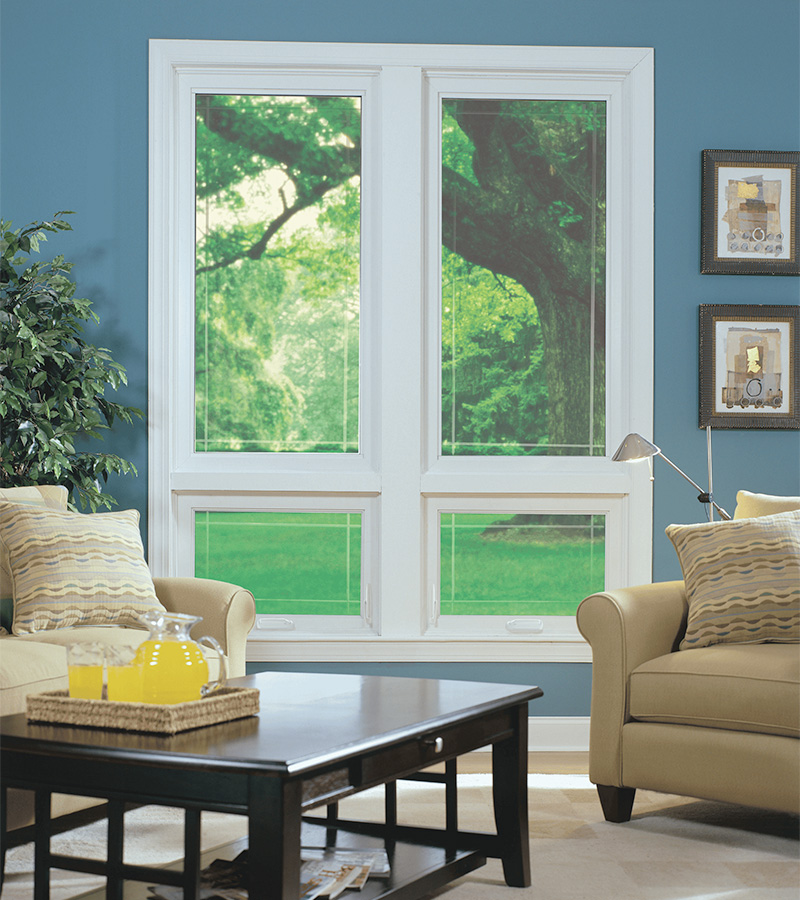
double hung window providing balanced airflow and natural light with energy efficient performance for everyday living in Wilmington coastal Carolina home

Step 1: In-Home Evaluation and Measurements

Every project starts with understanding your home.

We evaluate:

    • Current window condition
    • Frame type and structural considerations
    • Sun exposure and airflow
    • Coastal exposure factors
    • Your goals for comfort, appearance, and efficiency
    • We walk through the home with you, look at what’s there, and talk through what you’re trying to improve before recommending anything

This isn’t a rushed presentation. It’s a guided conversation focused on what works best for your Wilmington area home. After the evaluation, you receive a clear quote outlining the scope of work. If you want expert guidance without pressure, schedule your consultation.

Step 2: Ordering and Scheduling

Once you move forward:

  • Final measurements are confirmed
  • Windows are ordered according to your selected style and specifications
  • Installation is scheduled once materials arrive

Lead times vary by manufacturer and level of customization. We communicate timelines clearly, so you know what to expect. We keep you updated so you’re not wondering where things stand or when the next step is happening.

Good communication during this stage prevents surprises later.

Step 3: Installation Day

Installation typically involves:

  • Removing the existing window
  • Inspecting the opening
  • Preparing and sealing the frame
  • Installing and securing the new window
  • Insulating and sealing for energy performance
  • Interior and exterior trim adjustments as needed

Most standard window replacements are completed within one day, depending on project size. In most homes, the process moves quickly and stays contained to the areas we’re working in.

Proper installation is critical in Wilmington’s coastal climate. Tight sealing prevents drafts, moisture intrusion, and long-term issues. This is where a lot of long-term problems are either prevented – or created – depending on how the work is done.

Step 4: Final Walkthrough

After installation:

  • We review each window with you
  • Demonstrate operation
  • Answer any questions
  • Make sure everything meets expectations

Clean-up is part of the process. Your home should look better – not like a construction site.

We don’t leave until everything has been checked and you’re comfortable with how everything works.

If you’re ready to see how window replacement works in your home, schedule your free consultation.
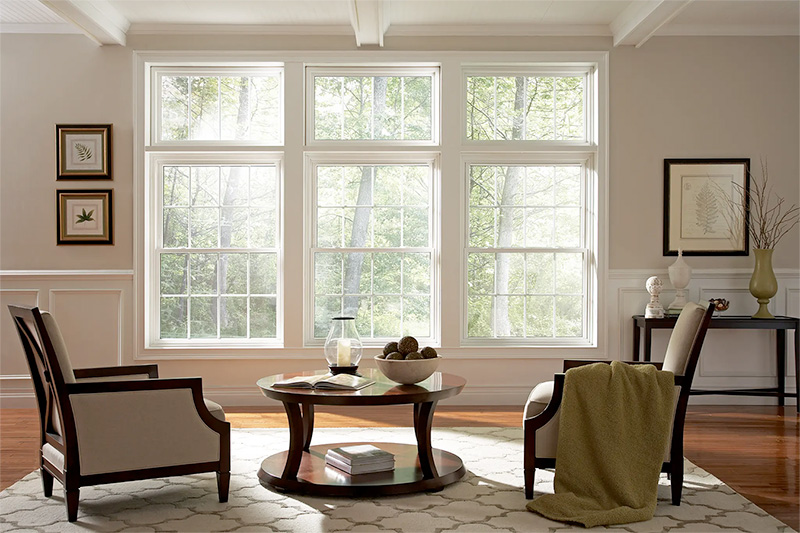
residential window replacement improving comfort natural light and everyday living with properly sealed windows in Wilmington coastal Carolina home

How Long Does Window Replacement Take?

Most homes in Wilmington and Coastal Carolina can have windows replaced within:

  • One day for smaller projects
  • Two to three days for larger homes

Custom openings or structural modifications may require additional time, which we discuss upfront. We’ll give you a realistic timeline based on your home so you know what to expect before anything starts.

Frequently Asked Questions About Window Replacement

Let's get some information!

<div id="est-phone-number"></div>
<style>
  .estimate-form-inner-wrapper {
    display: flex;
    flex-direction: column;
    gap: 16px;
    margin-bottom: 0px !important;
  }

  .estimate-form-input-grid {
    display: grid;
    align-items: initial;
    grid-template-columns: 1fr 1fr;
    grid-gap: 16px;
  }

  .estimate-form-input-wrapper {
    display: flex;
    flex-direction: column;
    justify-content: flex-end;
  }

  .estimate-form-input-wrapper p {
    font-family: Inter;
    font-size: 14px;
    font-weight: 500;
    line-height: 21px;
    color: black;
    margin-bottom: 4px;
  }
  .estimate-form-input-wrapper span {
    color: red;
  }

  .estimate-form-input-wrapper input {
    padding: 8px 16px;
    border-radius: 4px;
    border: 0.5px solid rgba(163, 163, 163, 0.5);
    color: black;
    font-family: Inter;
    font-size: 16px;
    font-weight: 500;
    line-height: 24px;
  }

  .estimate-form-input-wrapper input::placeholder {
    color: #a3a3a3;
    font-family: Inter;
    font-size: 16px;
    font-weight: 500;
    line-height: 24px;
  }

  .estimate-submit-btn {
    padding: 12px 28px !important;
    border-radius: 999px !important;
    background-color: #043968 !important;
    background-color: var(--bricks-color-fvnfur)!important;
    font-size: 16px !important;
    font-weight: 700 !important;
    line-height: 24px !important;
    color: #ffffff !important;
    text-transform: uppercase !important;
    align-self: flex-start !important;
    transition: all 0.3s ease !important;
    cursor: pointer !important;
  }

  .estimate-submit-btn:hover {
    background-color: var(--bricks-color-ykxnnf) !important;
    color: white !important;
  }

  .wpcf7-form input[type="submit"].custom-estimate-submit-btn {
    padding: 12px 16px !important;
    border-radius: 8px !important;
    background-color: #043968 !important;
    font-family: "Filson pro" !important;
    font-size: 16px !important;
    font-weight: 700 !important;
    line-height: 24px !important;
    color: #95c93d !important;
    text-transform: uppercase !important;
    align-self: flex-start !important;
    transition: all 0.3s ease !important;
    cursor: pointer !important;
  }

  .wpcf7-form input[type="submit"].custom-estimate-submit-btn:hover {
    background-color: #7eb4a3 !important;
    color: white !important;
  }

  @media only screen and (max-width: 990px) {
    .estimate-form-wrapper {
      grid-template-columns: 1fr;
      grid-gap: 64px;
    }
  }

  @media only screen and (max-width: 477px) {
    .estimate-form-input-grid {
      grid-template-columns: 1fr;
    }
  }
</style>

<form method="post" class="estimate-form-inner-wrapper" id="seviceminder-form">
  <div class="estimate-form-input-grid">
    <div class="estimate-form-input-wrapper">
      <p>Name <span>*</span></p>
      <input
        type="text"
        id="name"
        name="Name"
        required
        placeholder="First Name"
      />
    </div>
    <div class="estimate-form-input-wrapper">
      <input type="text" name="lName" id="lName" placeholder="Last Name" />
    </div>
  </div>
  <div class="estimate-form-input-grid">
    <div class="estimate-form-input-wrapper">
      <p>Email <span>*</span></p>
      <input
        type="email"
        id="email"
    		name="Email"
        required
        placeholder="Enter Email"
      />
    </div>
    <div class="estimate-form-input-wrapper">
      <p>Phone Number <span>*</span></p>
      <input type="tel" id="phone" name="Phone1" maxLength=14 placeholder="Enter phone number" required/>
    </div>
  </div>
  <div class="estimate-form-input-grid">
    <div class="estimate-form-input-wrapper">
      <p>Address line 1</p>
      <input type="text" id="address1"
    name="Address1" />
    </div>
		<div class="estimate-form-input-wrapper">
      <p>Address line 2</p>
      <input type="text" id="address2"
    name="Address2" />
    </div>    
  </div>
  <div class="estimate-form-input-grid">
    <div class="estimate-form-input-wrapper">
      <p>City</p>
      <input type="text" aria-required="true"
        aria-invalid="false"
        id="city"
        name="City" />
    </div>
    <div class="estimate-form-input-wrapper">
      <p>State</p>
      <input type="text" aria-required="true"
      aria-invalid="false"
      id="state"
      name="State" />
    </div>
  </div>
  <div class="estimate-form-input-grid">
    <div class="estimate-form-input-wrapper">
      <p>Zip Code <span>*</span></p>
      <input type="text" id="postalcode"
      name="PostalCode" required />
    </div>
    <div class="estimate-form-input-wrapper">
    <input type="hidden" name="key" id="serviceminder-key" />
  </div>
  </div>
  <input
      type="hidden"
      id="RedirectUrlPopup"
      name="RedirectUrl"
    />
  <button type="submit" class="estimate-submit-btn" id="serviceminder-submit">
    Submit
  </button>
</form>