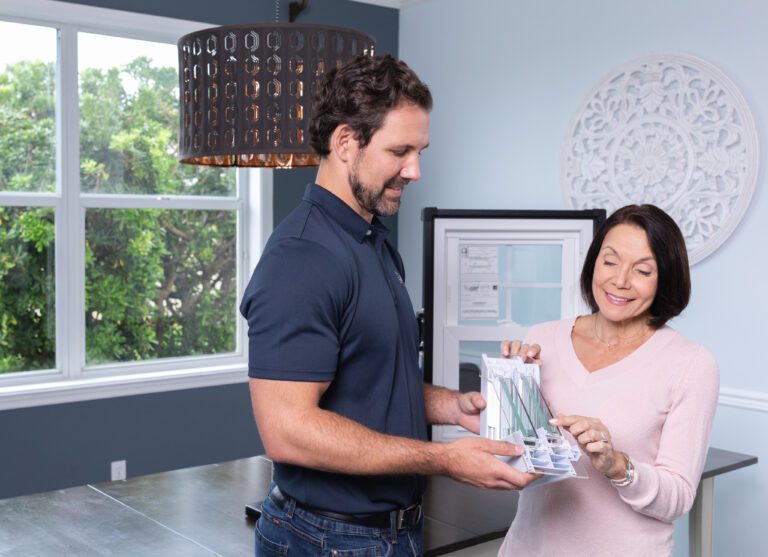
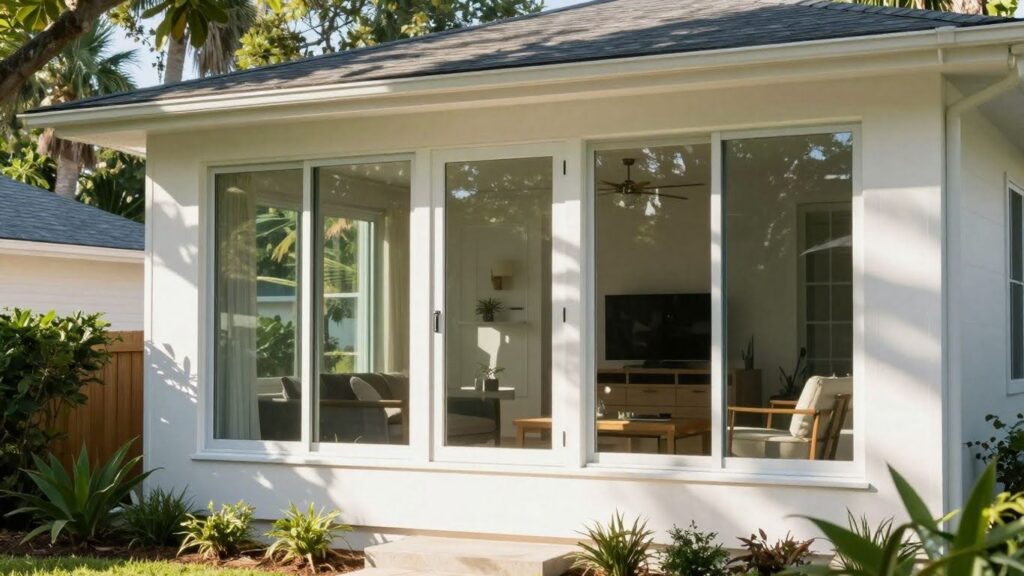
Thinking about new windows for your place in Jacksonville, Florida? It’s a good time to think about more than just how they look or how much they’ll save on your energy bill. You can actually add smart tech right into your window setup. This means your windows can do more than just let in light; they can become part of your home’s automated system. We’re talking about things like shades that move on their own and ways to control your home’s temperature better, all tied into your smart home. It’s about making your home work for you, and it’s all part of the smart home integrations available for window replacement in Jacksonville FL.
Key Takeaways
- You can add automated window treatments, like shades that move on their own, when you replace your windows.
- Smart shading helps manage light and keeps your home at a comfortable temperature, saving energy.
- New windows can connect with your existing smart home system for easier control of your whole house.
- Adding smart features during window replacement means you can control everything from one app or with your voice.
- Smart home tech with new windows can make your home more secure, comfortable, and efficient.
Enhance Your Jacksonville Home With Smart Window Technology
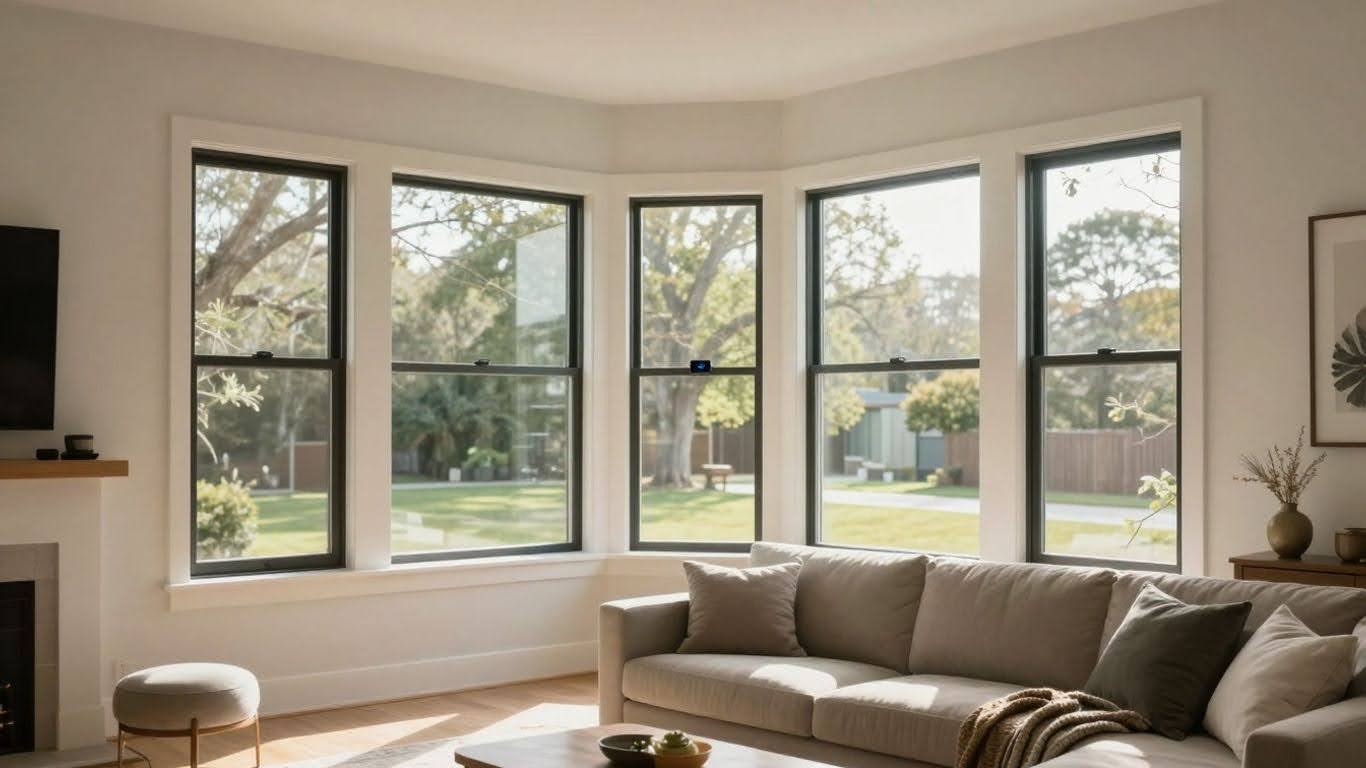
Thinking about new windows for your place in Jacksonville? You might want to consider going beyond just looks and energy efficiency. There’s a whole world of smart tech that can work with your windows, making things way easier and more comfortable around the house. It’s not just about fancy gadgets; it’s about making your home work better for you.
Automated Window Treatments for Effortless Control
Forget fiddling with cords or struggling with blinds. Automated window treatments, like motorized shades, let you control the light with just a tap on your phone or even your voice. Imagine waking up and having the shades gently open on their own, letting in the morning sun. Or maybe you want to darken the room for a movie without getting up. These systems can be programmed to do just that. They can also be set on a schedule, so they open and close at specific times, which is great for security and managing the temperature inside.
Smart Shading for Light and Temperature Regulation
This is where smart window tech really shines, especially here in Florida. Those sunny days can really heat up your home. Smart shades can automatically adjust throughout the day to block out the harshest sun, keeping your home cooler. This means your air conditioner doesn’t have to work as hard, saving you money on electricity bills. Plus, it helps protect your furniture and flooring from fading due to sun exposure. You can set up different “scenes” too – like a “movie mode” that closes all the shades or a “morning mode” that opens them just enough.
Seamless Integration with Your Smart Home System
The real magic happens when these smart window features connect with your existing smart home setup. If you already have things like smart lights or a smart thermostat, your new window treatments can join the party. This means you can control everything from one app or with a single voice command. For example, you could say, “Goodnight,” and have your lights turn off, your thermostat adjust, and your shades close. It makes managing your home feel much more unified and simple.
Integrating Smart Home Features During Window Replacement
When you’re getting new windows installed in Jacksonville, it’s the perfect time to think about adding some smart home tech. It’s way easier to wire things up and get everything set when the walls are open a bit, rather than trying to do it later. This way, your new windows can do more than just look good and keep the weather out; they can become part of your connected home.
Centralized Control for All Your Smart Devices
Imagine having one place to manage everything – your lights, thermostat, security cameras, and yes, even your new smart window treatments. When you replace your windows, you can set up the infrastructure for a central hub. This could be a dedicated smart home panel or even just ensuring your Wi-Fi network is robust enough to handle all these devices. It means less juggling between different apps and more simple, unified control over your home environment.
- Streamlined Operation: Control multiple devices from a single interface.
- Reduced Clutter: Fewer remotes and apps to manage.
- Enhanced Efficiency: Devices can work together, like shades lowering when the AC kicks on.
Voice-Activated Systems for Hands-Free Operation
Who doesn’t love the idea of just talking to their house? Integrating voice control during your window replacement means you can have your new windows, shades, or even security features respond to your voice commands. “Hey, close the living room blinds” or “Turn on the porch light” becomes a reality. It’s super convenient, especially when your hands are full or you’re just relaxing on the couch.
Setting up voice control during window replacement means your home’s new features can respond to your spoken commands, making everyday tasks much simpler and more accessible. It adds a layer of convenience that feels like living in the future.
Customizable Profiles for Personalized Automation
Your home should work for you, and with smart home integration during window replacement, it really can. You can set up custom “scenes” or profiles. For example, a “Morning” profile could gently open your bedroom blinds, turn on a soft light, and adjust the thermostat. A “Movie Night” profile might dim the lights and close the shades. These profiles can be triggered manually, on a schedule, or even by other smart devices, making your home adapt to your lifestyle automatically.
- Morning Routine: Wake up gradually with automated light and shade adjustments.
- Away Mode: Automatically close blinds, adjust thermostat, and arm security when you leave.
- Evening Relaxation: Set the mood with dimmed lights and adjusted window coverings.
By planning for these smart features during your window replacement project, you’re not just upgrading your windows; you’re upgrading your entire home experience, making it more comfortable, convenient, and efficient.
Smart Security Enhancements for Jacksonville Residences
Advanced Alarm Systems for Comprehensive Protection
When you’re thinking about new windows, it’s also a good time to look at your home’s security. Jacksonville is a big city, and like any place, it has its share of issues. A solid alarm system is your first line of defense. We’re not just talking about a basic siren anymore. Modern systems can detect everything from a door being forced open to glass breaking. They can also be set up to cover large yards or specific areas you’re worried about. Having a system that’s designed for your specific home layout makes a big difference.
Remote Monitoring and Instant Alerts
One of the best parts of today’s security tech is being able to keep an eye on things from anywhere. You can get alerts sent straight to your phone if something triggers the alarm. This means you know right away if there’s a problem, even if you’re at work or on vacation. It’s pretty neat to be able to check in on your house with a quick look at an app. This kind of constant connection gives you a lot of peace of mind.
Smart Locks and Access Management
Think about upgrading your locks too. Smart locks let you lock and unlock your doors using your phone or even a keypad code. You can give temporary codes to visitors or service people, and then take them away when they’re no longer needed. This is way better than hiding a spare key under the mat, which anyone can find. Plus, you can see who’s coming and going, which is handy.
Here’s a quick look at what smart locks can do:
- Keyless Entry: No more fumbling for keys.
- Remote Control: Lock or unlock from your phone.
- Activity Logs: See who entered and when.
- Temporary Access: Grant access for specific times.
Integrating these security features during your window replacement means everything can be set up at once. It’s a chance to make your home safer and more convenient without a lot of extra hassle down the road. Plus, new windows often have better locking mechanisms built-in, which works well with smart lock systems.
Optimizing Home Comfort and Efficiency with Smart Technology
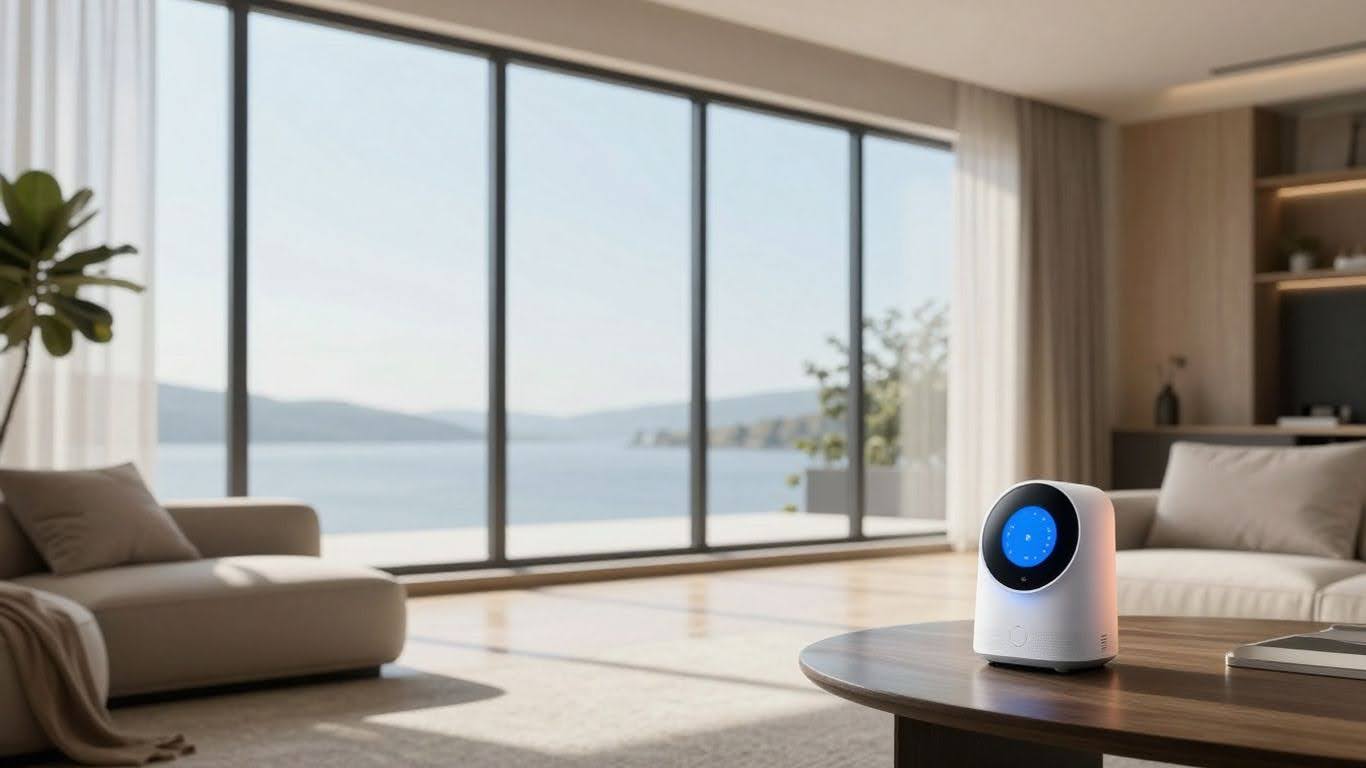
When you’re thinking about new windows, it’s not just about how they look or how much they cost upfront. We’re talking about making your home work smarter for you, day in and day out. Think about how much energy escapes through old, leaky windows – it’s a lot, and it adds up on your utility bills. Smart technology, especially when paired with new, efficient windows, can really make a difference.
Smart Lighting Control for Ambiance and Security
Imagine walking into a room and the lights come on just right, or setting a mood for movie night with a single command. Smart lighting does that. You can schedule lights to turn on and off automatically, making it look like someone’s home even when you’re out. This isn’t just about convenience; it’s a smart way to boost your home’s security.
- Automated Schedules: Set lights to mimic your daily routine, deterring potential intruders.
- Remote Access: Control your lights from anywhere using your smartphone.
- Dimming and Color Options: Adjust brightness and color temperature to create the perfect atmosphere for any occasion.
Climate Control Integration for Energy Savings
This is where things get really interesting for comfort and your wallet. Old windows let conditioned air escape and outside air seep in. New, energy-efficient windows are a great start, but pairing them with smart climate control takes it to the next level. Your smart thermostat can work with your windows (especially if you have automated shades) to keep your home at the perfect temperature without overworking your HVAC system.
The U.S. Department of Energy points out that heat loss and gain through windows can account for a significant portion of your home’s heating and cooling energy use. Smart integrations help minimize this waste.
Here’s how it helps:
- Smart Thermostats: Learn your habits and adjust temperatures automatically, saving energy when you’re away or asleep.
- Automated Shades: Program shades to close during hot, sunny afternoons to block heat, or open them on cold, sunny mornings to let in natural warmth.
- Zoned Heating/Cooling: If you have a compatible system, smart controls can manage temperatures in different areas of your home independently, saving energy in unused rooms.
Whole-Home Audio and Video Systems
While not directly tied to window replacement, integrating smart audio and video systems can be part of a larger smart home upgrade. Imagine controlling your music or TV with just your voice, or having a movie night where the lights dim and the shades lower automatically. It’s about creating a connected and enjoyable living experience throughout your entire home, making every room a potential entertainment hub.
| Feature | Benefit |
| Multi-Room Audio | Music follows you from room to room. |
| Voice Control | Hands-free operation for entertainment. |
| Integrated Systems | Simplified control of all your devices. |
Professional Smart Home Installation Services
Experienced Technicians for Seamless Integration
Getting your smart home features set up right the first time is pretty important. You don’t want to end up with a bunch of gadgets that don’t talk to each other, or worse, don’t work at all. That’s where having pros come in makes a big difference. They know how to connect everything, from your new smart windows to your thermostat and lights, so it all works together smoothly. Think of them as the conductors of your home’s tech orchestra.
Personalized Design Appointments
Before any wires get run or apps get installed, a good service will sit down with you. They’ll ask about how you use your home, what you want your smart tech to do, and what your daily routine looks like. This isn’t just a quick chat; it’s about figuring out the best way to make your home work for you. They can help you pick the right devices and set them up so they fit your lifestyle, not the other way around. It’s like getting a custom suit, but for your house.
Reliable Warranties and Support
What happens if something goes wrong after the installation? That’s a valid question. Reputable installation services will back up their work. This usually means they offer some kind of warranty on both the equipment they install and their labor. Plus, having a support line to call if you have questions or run into issues down the road is a huge relief. It means you’re not left hanging with a complicated system you don’t quite understand.
When you’re looking for someone to install your smart home tech, don’t just go for the cheapest option. Think about their experience, how they plan the setup with you, and what kind of support they provide afterward. A little bit of research now can save you a lot of headaches later on.
The Benefits of Smart Home Automation
Improving Lifestyle Through Efficient Management
Think about your daily routine. How much time do you spend fiddling with lights, adjusting the thermostat, or checking if the doors are locked? Smart home automation takes a lot of that guesswork and manual effort out of the equation. It’s about making your home work for you, simplifying everyday tasks. Imagine waking up and having your preferred lights gently turn on, the thermostat already set to a comfortable temperature, and your favorite news station playing softly in the background – all without lifting a finger. This isn’t just about convenience; it’s about reclaiming time and reducing the mental load of managing your living space. You can create custom ‘scenes’ for different activities, like a ‘movie night’ setting that dims the lights and lowers the shades, or a ‘good morning’ routine that prepares your home for the day ahead.
Enhanced Convenience and Peace of Mind
One of the biggest draws of smart home tech is the sheer ease it brings. You can control almost anything from your smartphone, whether you’re on the couch or miles away. Did you forget to turn off a light? No problem. Need to let a guest in while you’re at work? You can do that remotely. This constant connectivity provides a significant boost to peace of mind. Knowing you can check on your home’s security, adjust the climate, or even turn on lights to make it look like someone’s home when you’re on vacation offers a level of security that’s hard to beat. It’s like having a remote control for your entire house, putting you in charge.
Energy Efficiency and Cost Savings
Beyond the convenience, smart home systems are surprisingly good at saving you money. By intelligently managing your heating, cooling, and lighting, you can cut down on wasted energy. Smart thermostats learn your habits and adjust the temperature when you’re away or asleep, preventing unnecessary heating or cooling. Automated lighting can ensure lights aren’t left on in empty rooms, and smart blinds can help regulate indoor temperatures by blocking sun during hot afternoons or allowing it in during cooler mornings. Over time, these small savings add up, making your home more environmentally friendly and easier on your wallet.
Here’s a quick look at potential savings:
| Feature | Potential Savings | Notes |
| Smart Thermostat | 10-15% on HVAC | Learns schedules, adjusts automatically |
| Smart Lighting | 5-10% on Lighting | Reduces energy used by lights left on |
| Automated Blinds | Varies | Helps regulate indoor temperature |
| Smart Plugs | Varies | Cuts power to devices in standby mode |
Wrapping It Up
So, when you’re thinking about new windows for your place in Jacksonville, remember it’s not just about blocking out the weather. You’ve got options to make your home work smarter for you. From controlling your lights and shades with your voice to making sure your home is secure even when you’re out, these smart features can really make a difference. It’s about making life a little easier and your home a bit more comfortable. Getting new windows is a big step, and adding these smart integrations means you’re not just upgrading your home’s look, but its whole function too. Definitely worth looking into if you want your home to feel more modern and convenient.
Frequently Asked Questions
What are smart windows, and how do they work with my home?
Smart windows are basically regular windows that have been upgraded with technology. Think of them like windows that can do more than just open and close. They can be controlled automatically, like shades that go up or down on their own. They can also be linked to your smart home system, so you can control them with your voice or a phone app, just like your lights or thermostat.
Can I really control everything with my voice or a single app?
Yes, you can! That’s one of the coolest parts of smart home tech. Instead of using a bunch of different apps for different things, we can set it up so you can control your lights, window shades, temperature, and even security all from one app on your phone or by using voice commands with systems like Alexa. It makes managing your home super simple.
How does smart technology help save energy?
Smart windows and shades can help a lot with energy. They can automatically adjust to let in sunlight when it’s cold to warm your house, or block it out when it’s hot to keep things cool. This means your heating and cooling system doesn’t have to work as hard, which saves you money on your energy bills. Smart lighting also helps by turning off lights when you don’t need them.
Is installing smart home features difficult?
It can seem complicated, but that’s where professional installers come in. We have experienced technicians who know how to connect all the different smart devices smoothly. They make sure everything works together perfectly, so you don’t have to worry about the technical stuff. We also train you on how to use it all easily.
What kind of security benefits do smart homes offer?
Smart homes can make your house much safer. You can get alerts on your phone if something happens, like a door opening when it shouldn’t. You can also check security cameras from anywhere, and even control smart locks to let people in remotely if you need to. It gives you peace of mind, knowing your home is protected.
Will these smart upgrades make my home more valuable?
Definitely! Adding smart home technology and making upgrades like new windows can make your home more attractive to buyers. It shows that your home is modern and convenient, which can help it sell faster and potentially for a better price. It’s an investment in both your current comfort and your home’s future value.